
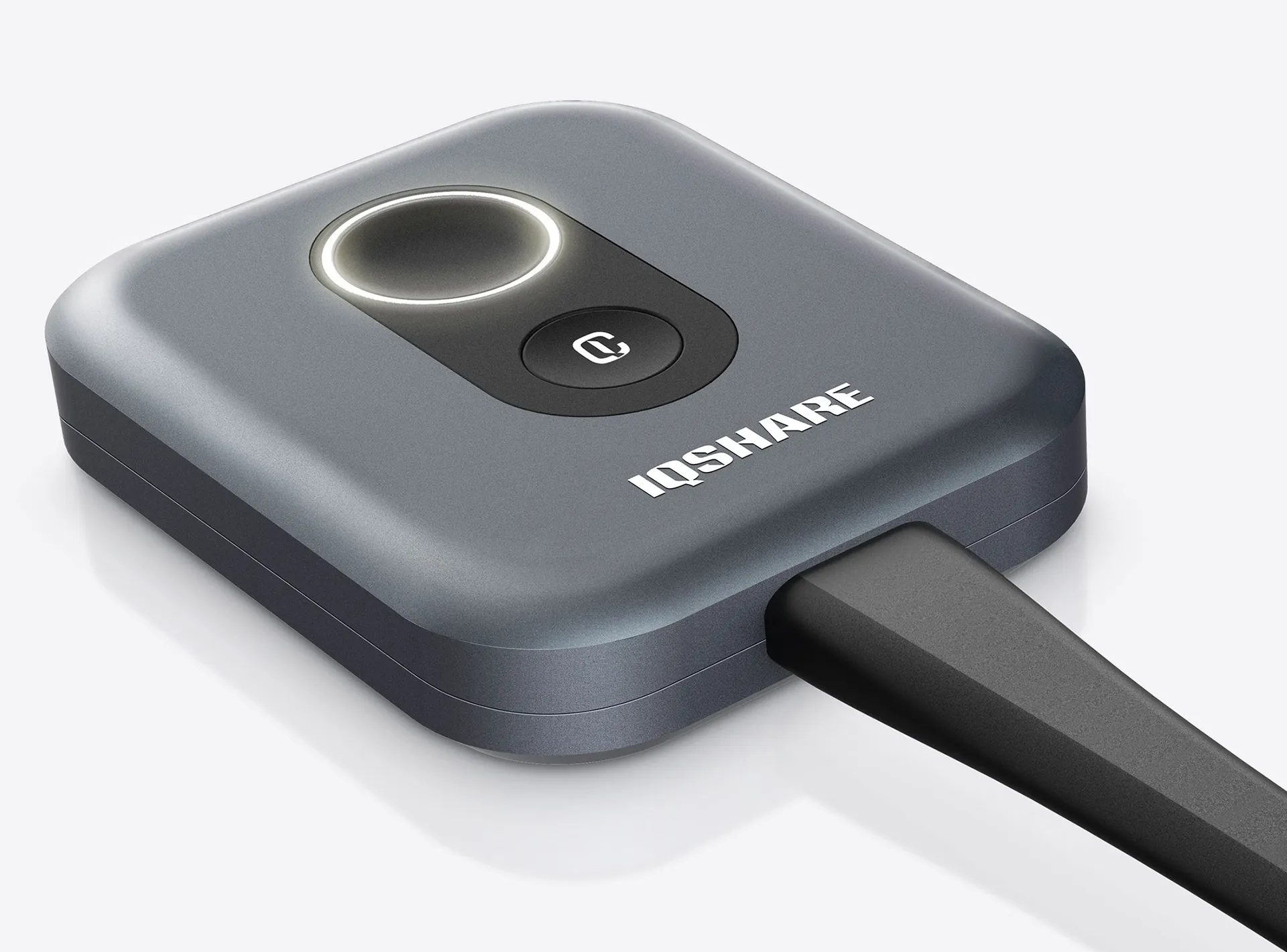
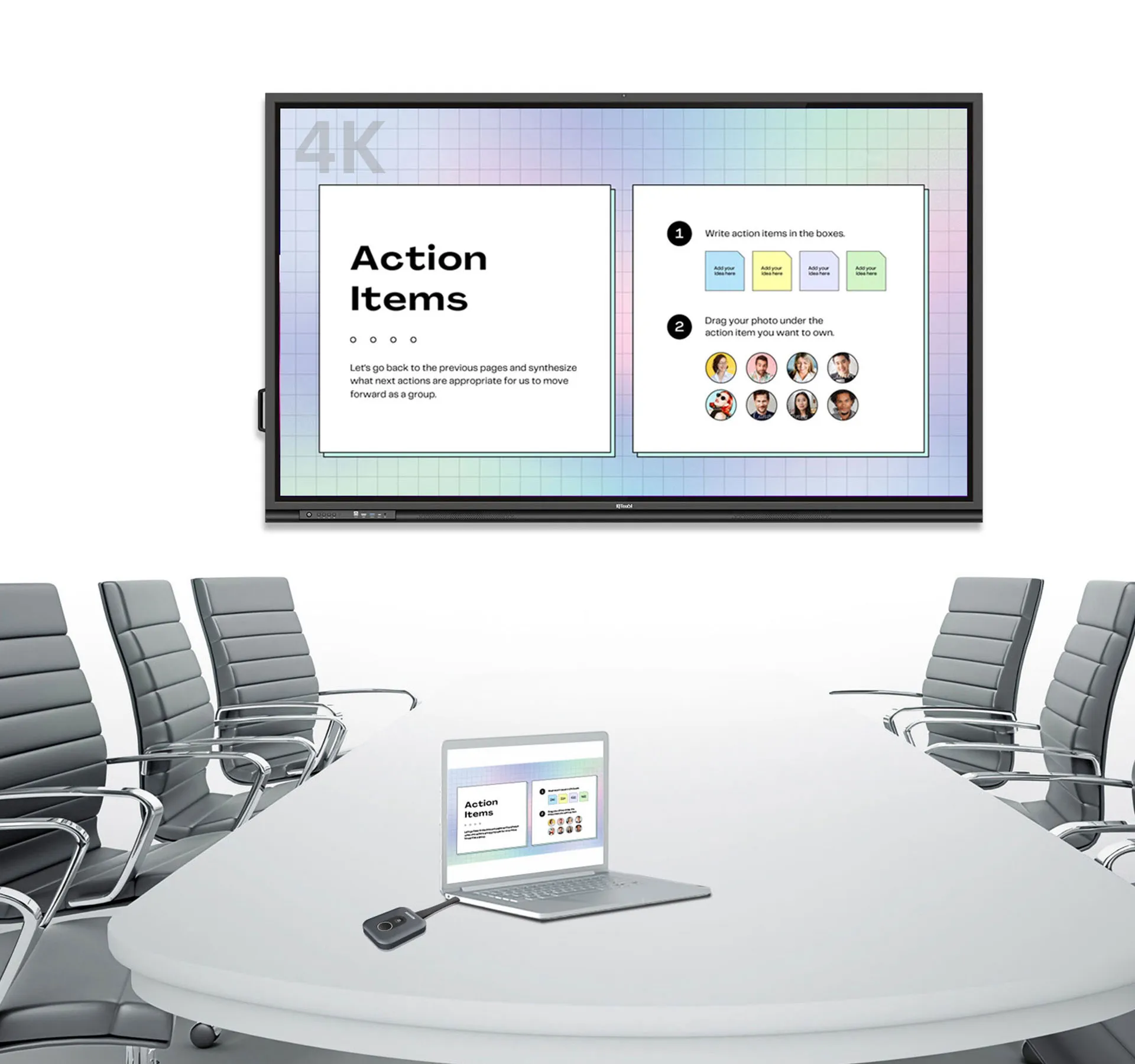
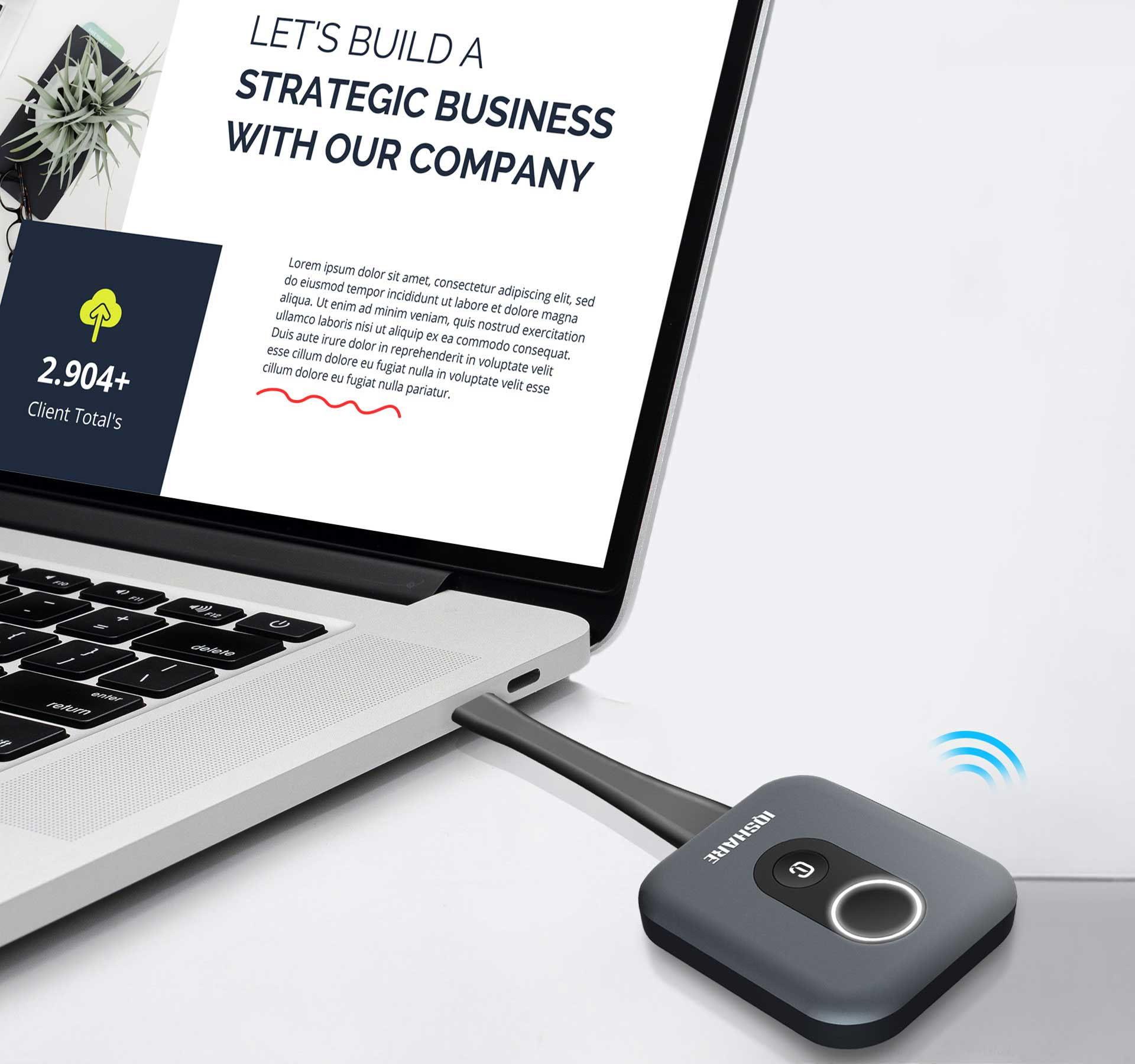
As a Click-to-Share button for wireless presentation, IQShare Button realizes screen mirroring of your personal device to the meeting room’s IQTouch — with extended BYOM capability.
4K WIRELESS PRESENTATION
Contact us






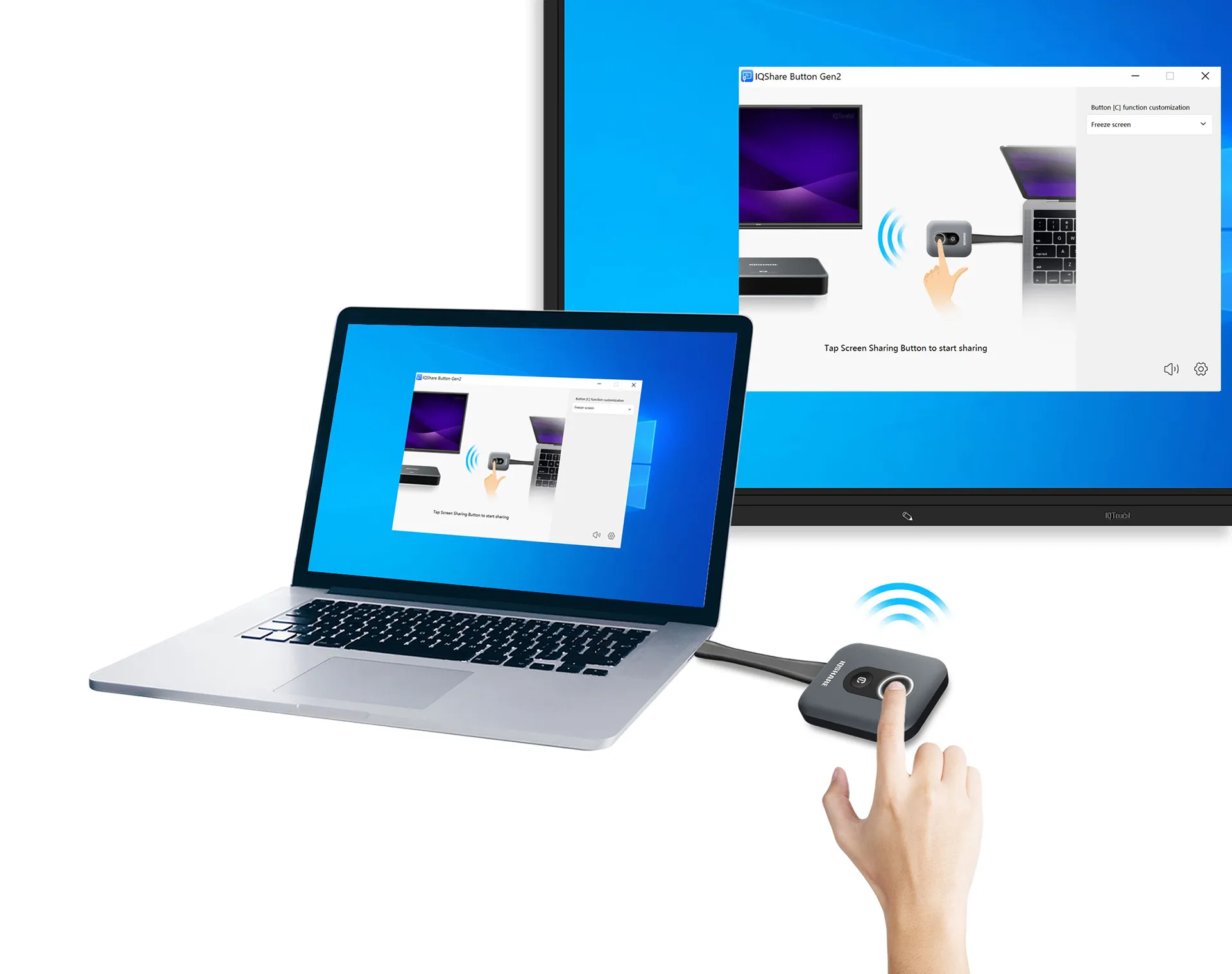
One button wirelessly projects your content; the other unlocks quick actions like screen freeze, extend, and exclusive mode — full control, instantly.
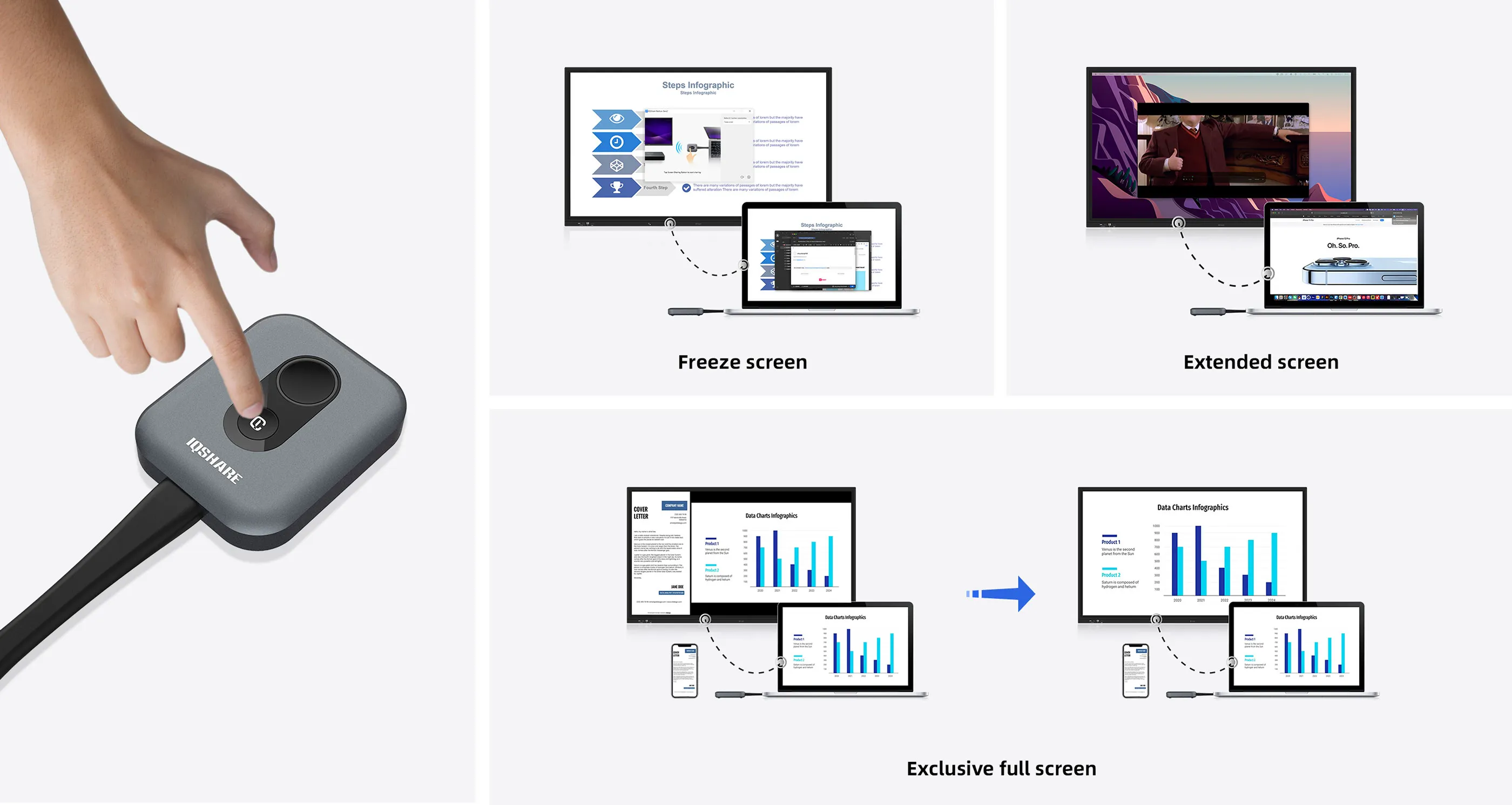
The customized button is a fast track to your favorite features after sharing: Freeze screen (default), Exclusive full screen, Extend screen, Mute.
Enjoy crisp 4K UHD sharing. All IQShare buttons deliver clear visuals and smooth motion from your device to the room display.
Cable-free | Two-way touch control
Plug the button, press, and present — no cables, no adapters. Control from your device or the IQTouch screen for maximum convenience.
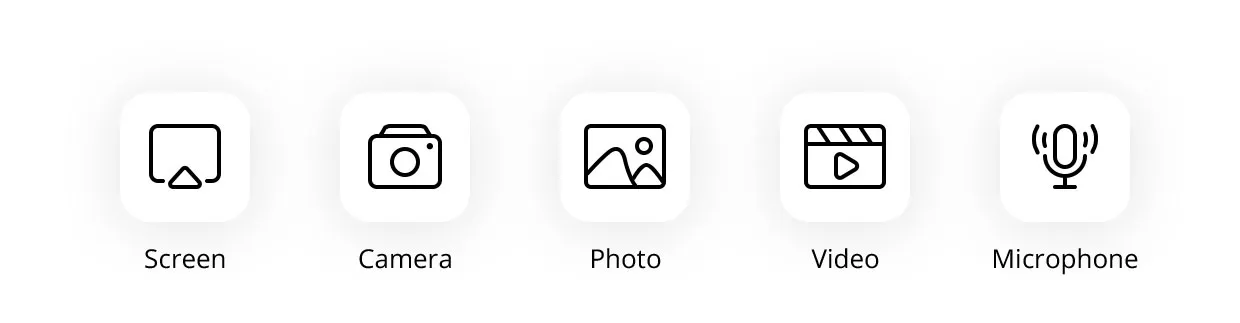
Share your entire screen or select windows to protect privacy. Present audio, video, images, and documents smoothly.
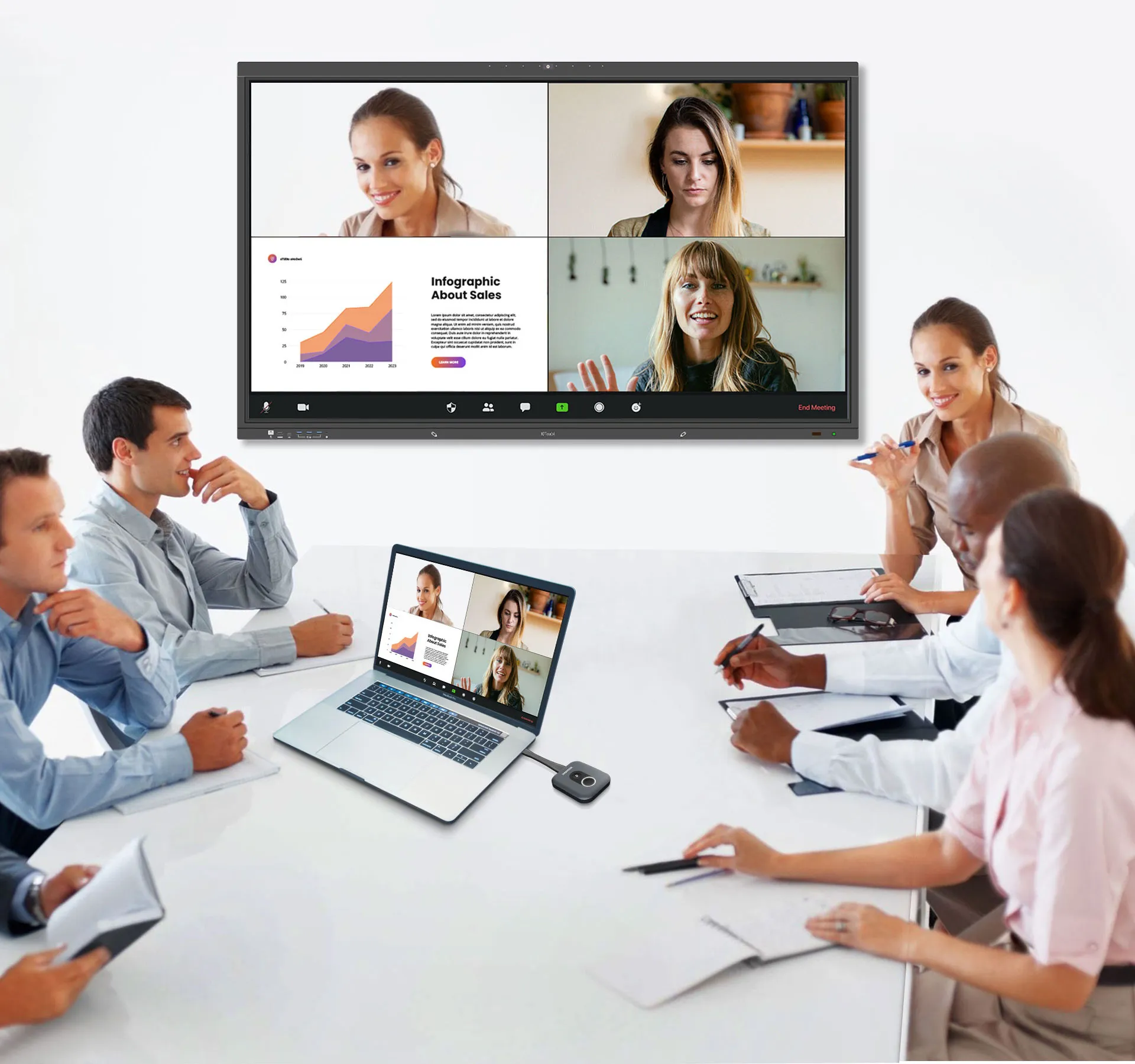
Extend BYOD to BYOM: wirelessly access room cameras and run your preferred UC platform from your own device.
Seamless Plug & Play | No software needed
Plug into your laptop, press the button, and share. That’s it.
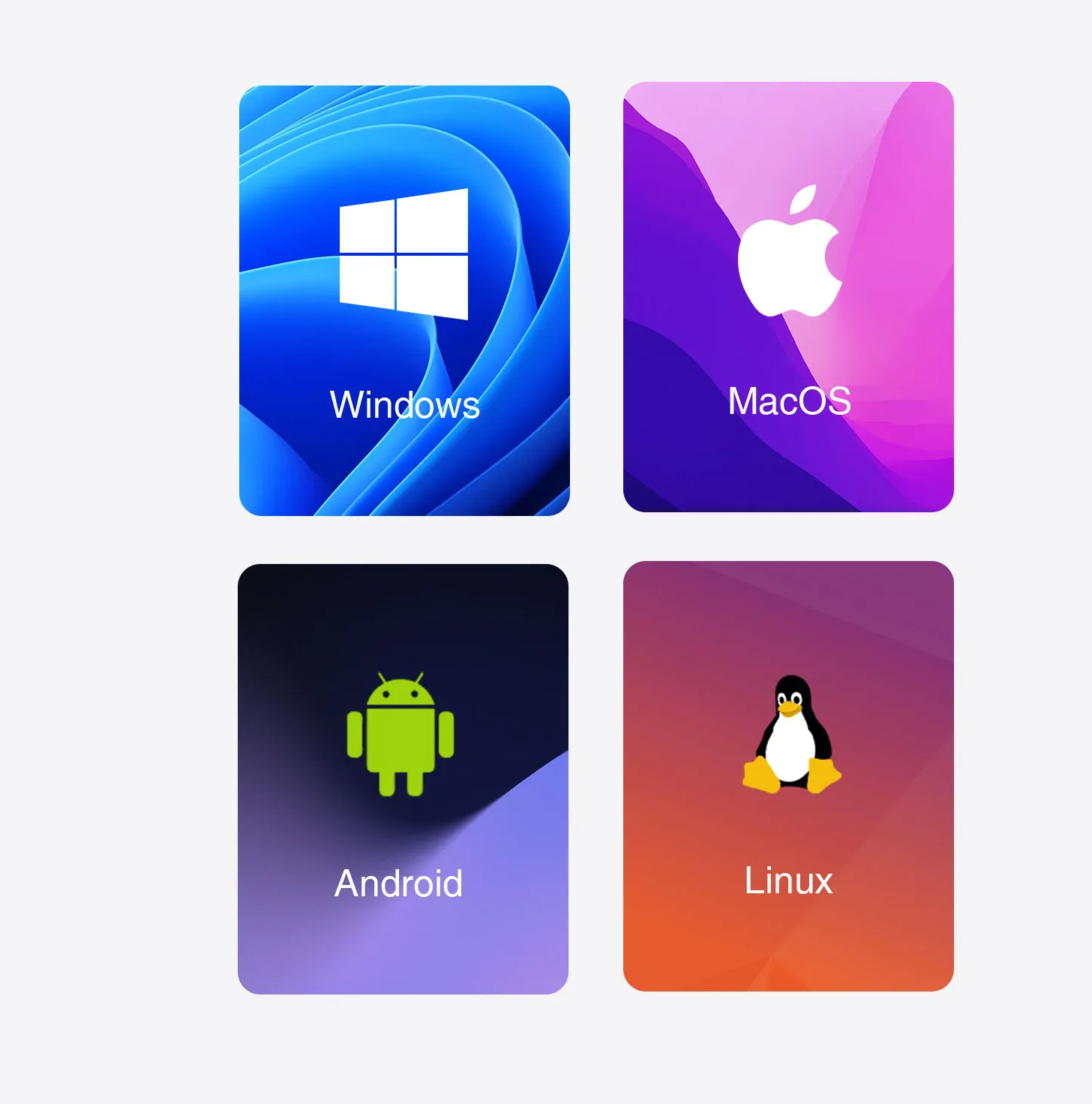
OS independent | Cross-platform versatility
Works smoothly across Windows, macOS, ChromeOS, Linux, and mobile platforms.
No company network access? No problem. Guests share wirelessly via IQShare Button — no installs, no login.

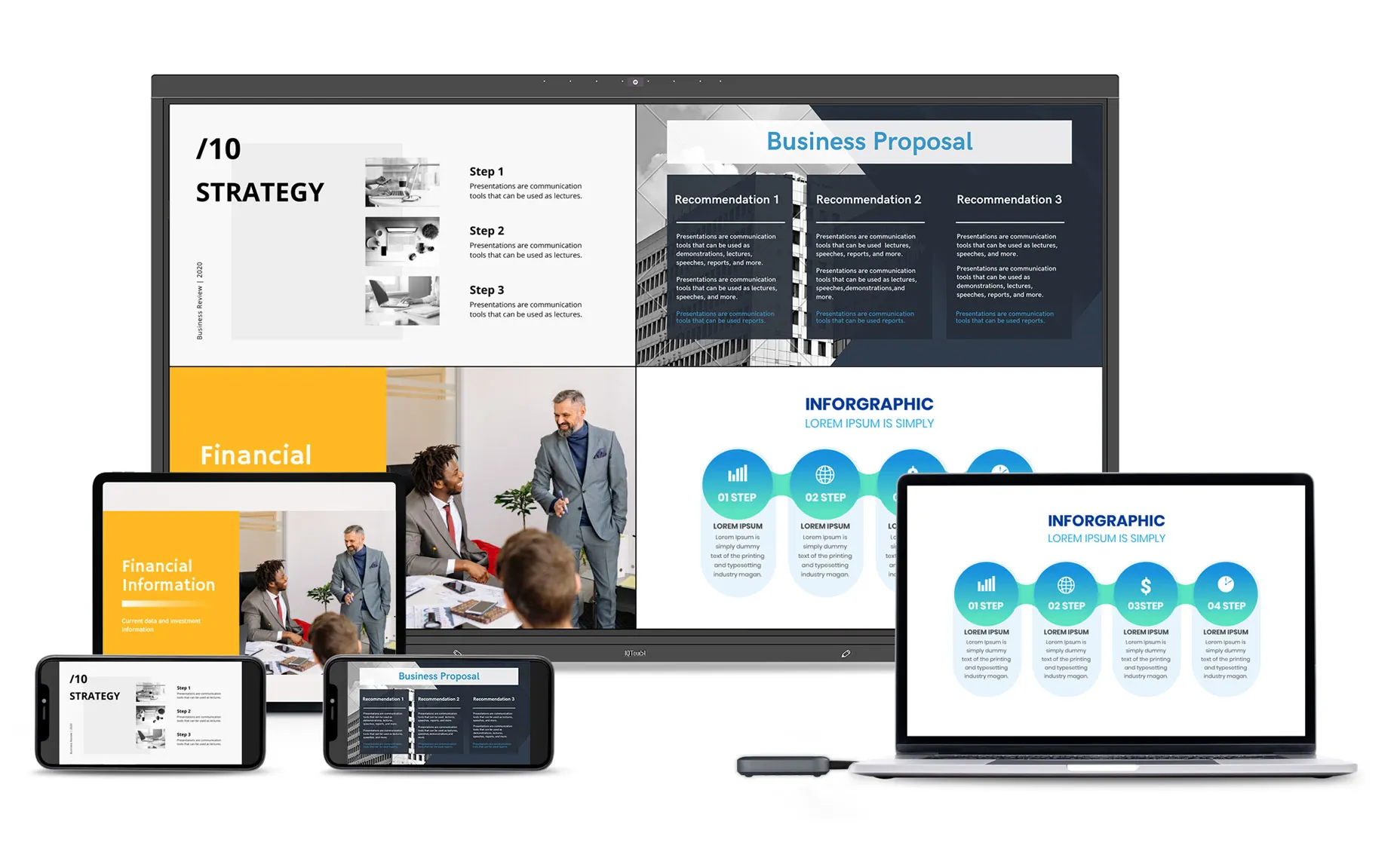
Connect multiple buttons, show split-screen ideas simultaneously, and supercharge brainstorming.
AES encryption with consistently stable sharing for confidential presentations and worry-free sessions.

 |
 |
 |
|
|---|---|---|---|
| Model | H3 | C4 | U3 |
| Interface | HDMI (19-pin) + USB-A | USB-C (DP Alt Mode) | USB-A |
| Output resolution | 4K@30fps | 4K@30fps | 4K@30fps |
| Video standard | HDMI 1.4 | DP 1.2 / eDP 1.4 | N/A |
| USB standard | 2.0 | 2.0 | 2.0 |
| Audio | 16-bit 44 kHz | 16-bit 44 kHz | 16-bit 44 kHz |
| USB HID function | ✔️ | ✔️ | ✔️ |
| BYOM function | ✔️ | ✔️ | ✖️ |